
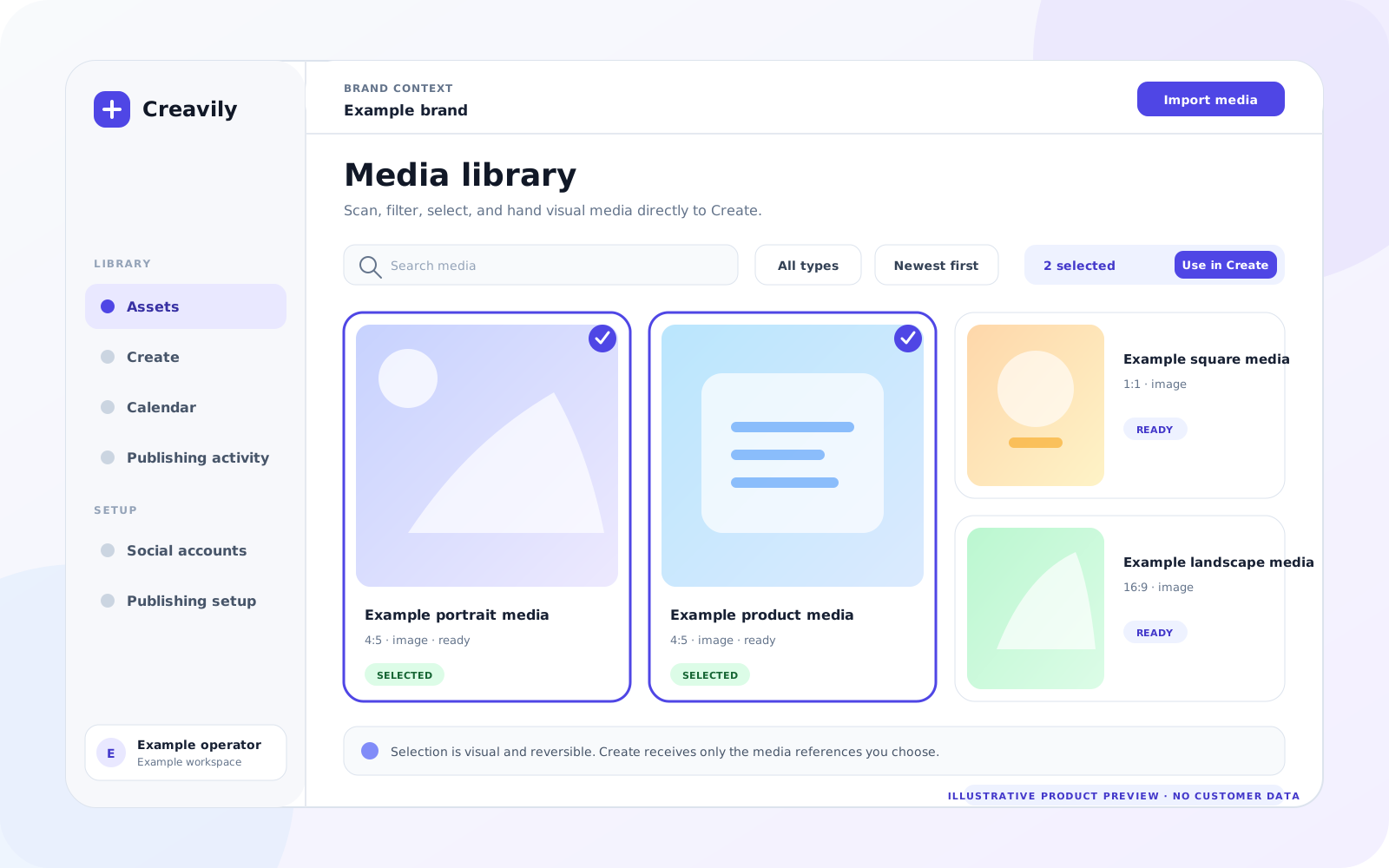
Inspect the selected media, captions and destination requirements before confirming.
CreavilyBrand publishing
Creative readiness
Check publishing readiness before a post goes live.
Review copy, media, timing and destination readiness before confirming a post. A full multi-reviewer asset approval workflow remains deferred.
Separate readiness blockers, scheduled work and confirmed publishing outcomes.
Show crop fit, ratio, platform, and brand constraints before publishing.
Creative readinessCreative readiness starts with clear publishing context.A publishable asset needs context: product, caption, destination channel, format, readiness, blocker, and review history. The review page should show how decisions travel into scheduling.
Creative readiness starts with clear publishing context.
A publishable asset needs context: product, caption, destination channel, format, readiness, blocker, and review history. The review page should show how decisions travel into scheduling.
Review scenarioAn operator checks an image and caption against the intended destination, resolves media issues, and runs a server preview before confirming a publishing job.
Visual
Review happens beside mediaThe asset should remain visible while notes, review progress, and readiness checks are updated.
Blocker
Block reasons are concreteMissing caption, unsafe crop, wrong ratio, and absent cover image are different fixes.
Approval
Readiness is destination-specificA general approval is not enough if each platform has different requirements.
History
History supports trustReview the saved publishing record and outcome; a complete reviewer decision history is not implied.
Product detail
Review rubric
The creative review page should educate users on the exact checks that prevent bad posts.
CreativeReadyVisual and caption are prepared for the selected destination.
PlatformFormat fitRatio, duration, cover, and caption are valid.
PlanningSchedule fitProduct rotation and timing still make sense.
Readiness guide
Visual context stays attached to the work.
Media details, crop checks, destination readiness, and publishing history should stay beside the asset instead of in a separate spreadsheet.


Publishing model
Review path
An operator checks an image and caption against the intended destination, resolves media issues, and runs a server preview before confirming a publishing job.
Next step
Bring this publishing path into your Creavily workspace.
Use Google login for the human workspace, then connect channels and agent routines when the account is ready.
Publishing readiness is not a full approval system
The current review step checks copy, media, destination account, timing and provider requirements before confirmation. It must not be confused with a complete multi-reviewer asset approval product.
How to use it
- Inspect the exact media and caption for each destination. Resolve all readiness blockers, not only the first error.
- Read the server preview and intended publishing action. Confirm which brand and accounts the post is for.
- After confirmation, follow job and destination results; a preview itself is not a delivery receipt.
Know the limits
- A full asset approval UI with reviewer assignments, revision decisions and team approval history remains deferred.
- Readiness can change. A prior review does not replace current platform validation and permissions.
Does Review mean someone else approved an asset?
Not necessarily. Here it means reviewing readiness and confirming an action, not an independent reviewer sign-off.
Can failed validation be ignored?
No. Resolve the incompatibility or choose a supported destination before creating a publishing job.